Smart sync
Install the Syync app on your Boox for automatic notebook sync — or upload a BOOX Notes ZIP backup.
Syync turns your BOOX backup into beautiful PNG and PDF exports — organized in the cloud, ready whenever you need them.
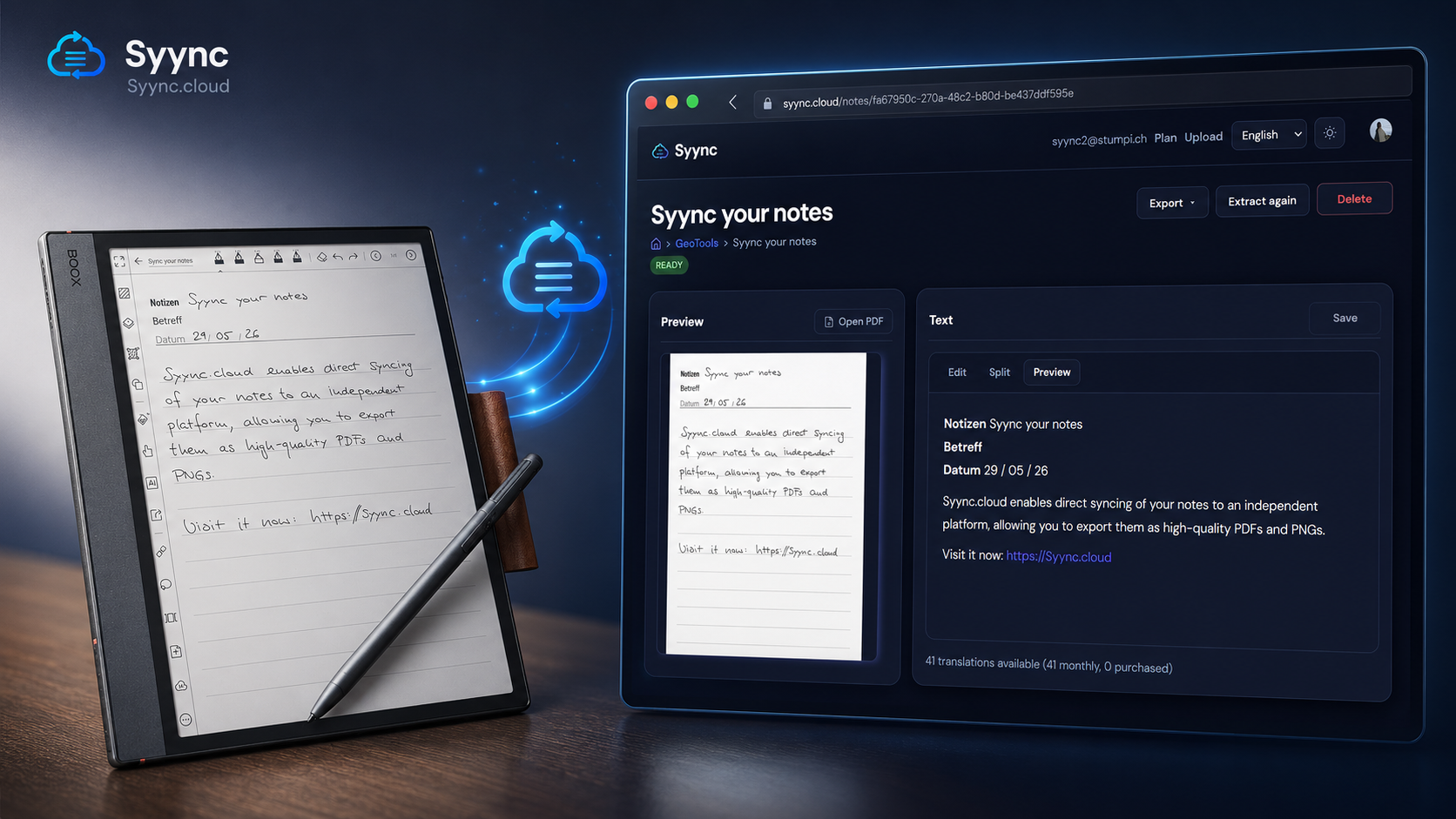
Designed for students, professionals, and creatives who rely on e-ink.
From backup upload to export — one seamless workflow.
Install the Syync app on your Boox for automatic notebook sync — or upload a BOOX Notes ZIP backup.
Single notes, whole folders, or your entire library as ZIP — PNG or PDF, available on every plan.
Your original notebook hierarchy is preserved — browse notes exactly as on your device.
Handwriting is converted to Markdown with AI — searchable, copyable, and editable.
NewAccess your library from any browser. No more digging through device backups.
Large archives convert in the background with live progress — no tab left hanging.
From your Boox to the cloud — app or backup.
Install the Syync app: notebooks sync to Syync automatically. Or create a Notes backup on the device.
With the app, sync runs automatically. With a backup, upload the ZIP to Syync — we detect notes, folders, and pages.
Preview pages, export PDF or PNG (per note, folder, or entire library), and run AI handwriting → Markdown analysis.
Pay for the documents you need. Upgrade anytime.
Save with annual billing
AI is available on every plan. Starter and Pro include monthly credits; you can buy more anytime: $5 = 100 automatic handwriting-to-Markdown translations.
$0
forever
10 documents
$7
/ month
$70 / year
100 documents
$10
/ month
$100 / year
1,000 documents
Everything about sync, exports, AI recognition, privacy, and pricing.
Create a free account and upload your first BOOX backup in minutes.
Create free account